Instrument Soft Front Panels
 This section contains information specific to the Windows product.
Many modular instruments and chassis have Soft Front Panel (SFP) software for monitoring and controlling the instrument or chassis; some have more than one. When installed, the Soft Front Panel software is an interactive user interface for the instrument or chassis. Refer to the instrument's SFP help file for instructions on using the SFP.
Select an instrument in the Instruments view or in the PXI/AXIe Chassis view. If there is SFP software installed for that instrument, the SFP icon ( ) is active in the Instrument configuration pane. Click the icon to start the SFP software in a new window.
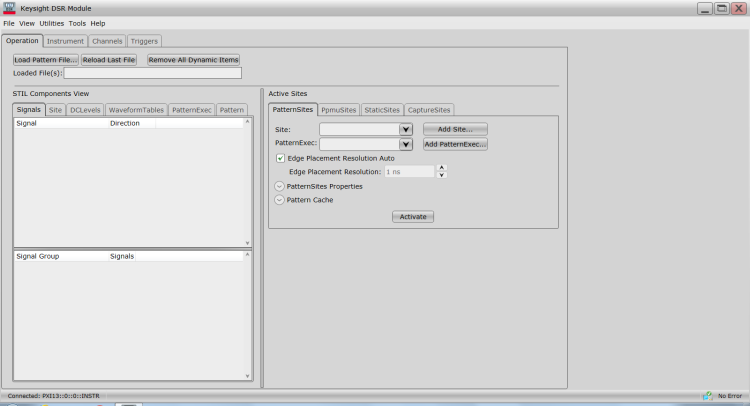
As an example SFP, the following graphic shows the SFP for the Keysight M9195B Digital Stimulus/Response PXI module: